New
Announce new product capabilities, modules, integrations, and major launches.
Publish release notes, fixes, and product updates alongside your documentation. Changelog is included with every Hyperdocs plan, so you can start without a separate subscription.
Explain the change, add useful context, and make the update easy for customers to find.
SaaS teams ship constantly, but users often miss what changed. Without a changelog, product improvements stay hidden, support teams repeat updates manually, and product marketing loses launch moments.
A changelog is not just a list of posts. It is a product communication channel that helps customers understand what changed, why it matters, and what they can do next.
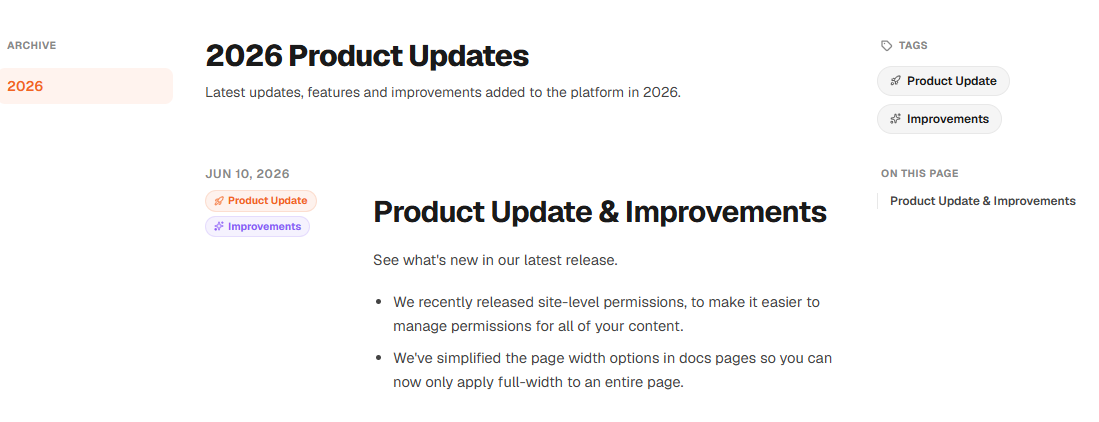
Organize product changes into clear categories so customers can quickly see what is new, improved, fixed, or changed.
Announce new product capabilities, modules, integrations, and major launches.
Explain meaningful UX, performance, workflow, or feature improvements.
Communicate bug fixes and reliability updates in a customer-friendly way.
Share API changes, developer-facing updates, and integration-related release notes.
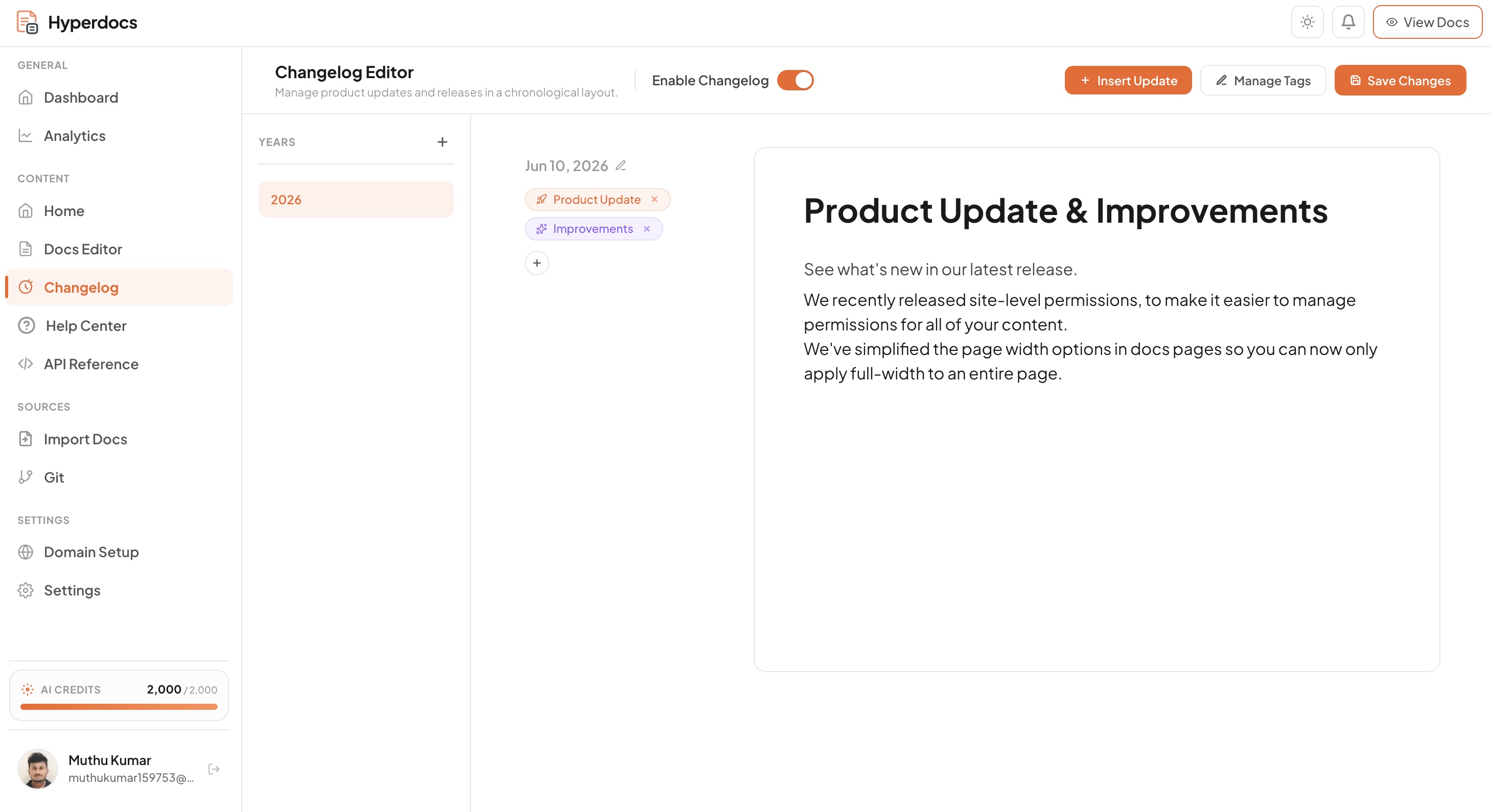
Set a date and title, write the release note in the block editor, add tags, then preview the public page before publishing. You can edit an entry after it goes live.
Set a publication date and title, then explain what changed using text, images, lists, or code where useful.
Add one or more custom tags with labels, colors, and icons so visitors can filter updates.
Preview the entry in context, publish it to your live changelog, and edit it later if details change.
Changelog, product docs, help center, and API docs live in one Hyperdocs workspace. When a release changes how your product works, your team can publish the update and review the affected documentation in the same place. Changelog is included with every plan.
Write a customer-facing update, preview and publish it, then review any docs or help articles that explain the changed feature.
Use a date, a descriptive title, and tags so readers can scan and filter releases. Documentation edits remain a separate step your team controls.
Hyperdocs changelog is designed for teams that need a public, structured way to communicate product progress.
Publish a public changelog users can visit to see what shipped.
Create custom tags with labels, colors, and icons; visitors can filter the public changelog.
Set a date, add formatted content, preview the result, and publish when it is ready.
Publish the changelog on your docs site, with your branding and a custom domain where your plan supports it.
Publish updates as public, readable pages on your docs site so visitors and search engines can find them.
Manage release notes in the same workspace as product docs, help center, and API docs.
Changelog software helps teams publish dated product updates, release notes, improvements, and fixes in a public place customers can browse.
Yes. Changelog is one of the documentation modules included with every Hyperdocs plan. You do not need a separate changelog subscription; publishing and domain options depend on your plan.
Yes, if your Hyperdocs site is connected to a custom domain supported by your plan. You can also publish your changelog on a Hyperdocs-hosted site.
Create a dated entry with a title and formatted content in the changelog editor. Add tags, preview the entry, then publish it to your public changelog. You can edit published entries later.
Yes. Add custom tags such as New, Improved, or Fixed to entries. Each tag can have its own label, color, and icon, and visitors can filter the public changelog by tag.
Yes. Translate changelog entries, review the translated drafts, and publish them for each supported locale. The number of languages available depends on your plan.
Publish release notes alongside your docs with a changelog module included in every Hyperdocs plan.